Post a picture from the generator in one tap
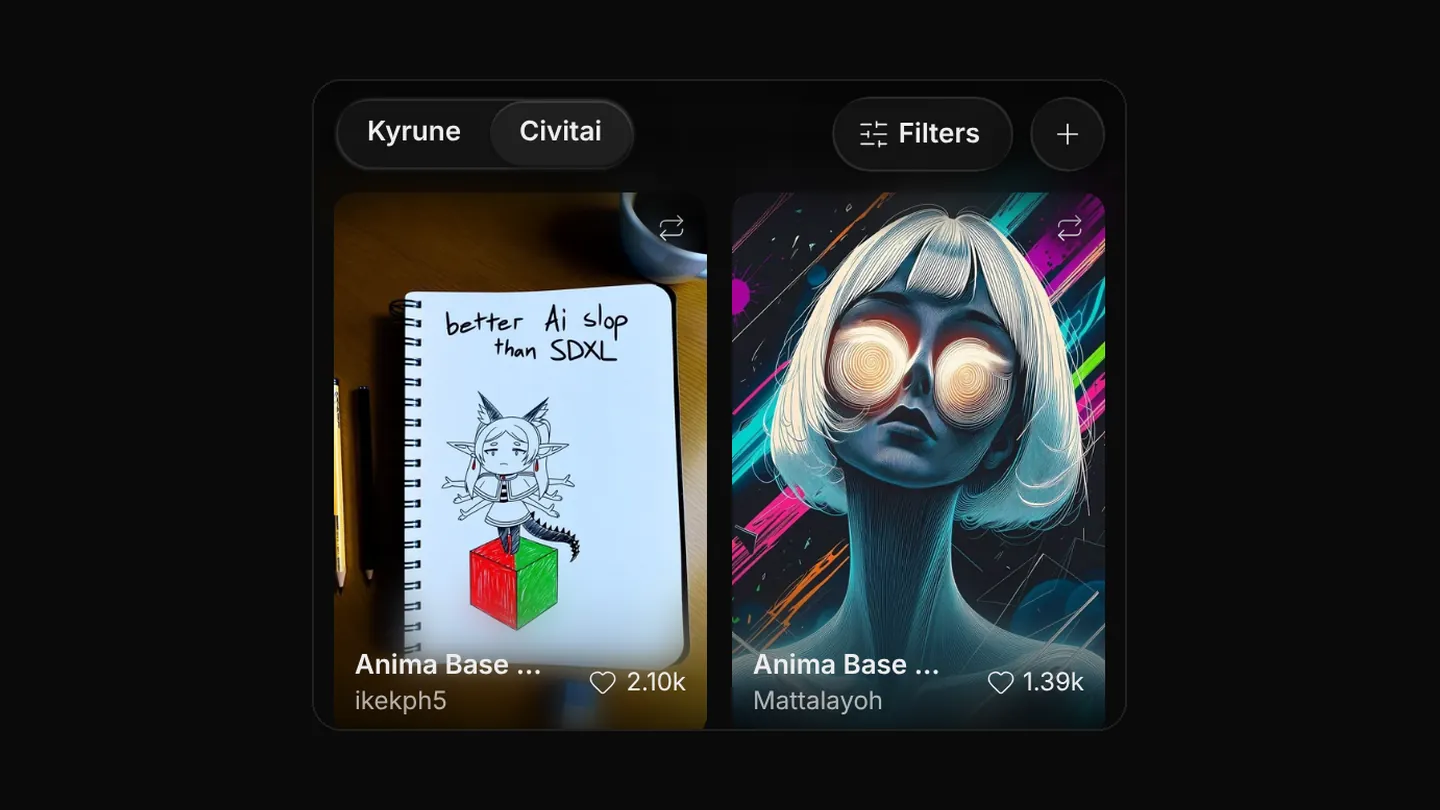
Each finished picture has a Post button. A post is titled with the model it was made on.
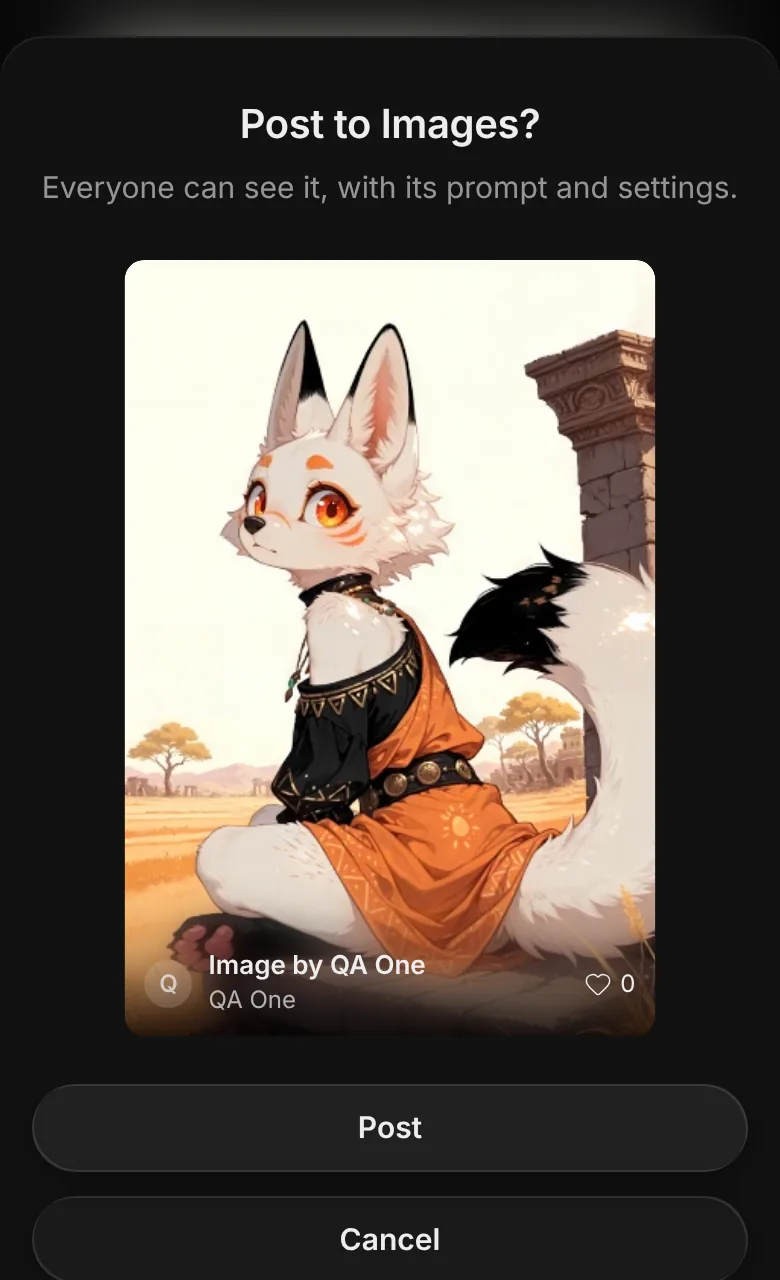
Sharing a picture no longer goes through Saved images. Every result tile in the generator has its own Post to Images button. It opens a short sheet that shows the post as it will appear, with its title.
Press Post and a small notice shows the upload. If the connection drops, it says so and you can tap it to retry.
Posts on Images are pictures only. Each post is titled with the model the picture was made on, taken from the picture's own settings, or Image if it names none. Your name shows beside the post. A title or caption typed elsewhere is not used.
Also in this update
- Back now takes you one page back. Switching a tab, a sort or a filter on a page no longer adds a step you have to undo.
- A picture in a Files gallery that carries its prompt now has a Generate button, which opens it in the generator with its settings.